
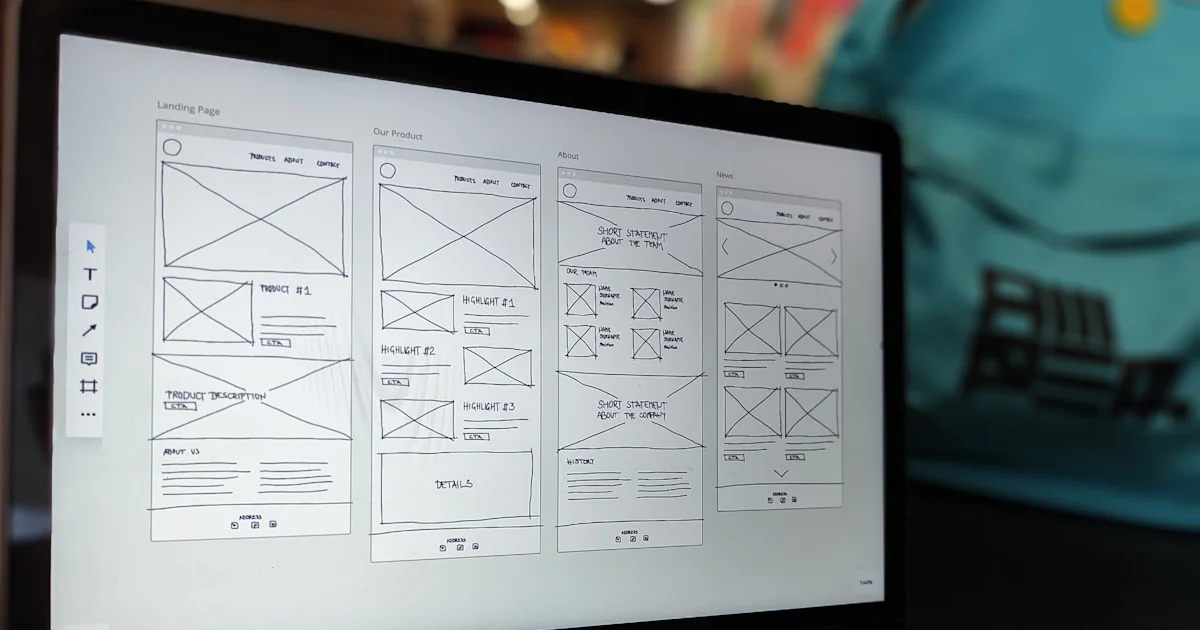

CMS choice should happen before the redesign hardens.
Many teams leave the CMS decision too late.
They start discussing new layouts, new pages, and new messaging first, then try to bolt the content system on afterward.
That usually creates avoidable rework.
The CMS is not only a backend tool. It shapes:
- how pages are created
- who can edit what
- how repeatable content is structured
- how launches and updates are managed
- how much friction the team carries after go-live
That is why platform choice should sit inside the redesign process early, not appear as a technical footnote after the visuals are approved.
If you are already comparing options, it helps to read this alongside the core website redesign service page and the broader trade-offs in Website Redesign vs Rebuild.
Start with the editorial job of the website.
The first CMS question is not "Which platform do we like?"
It is "What will the team need to do with this website after launch?"
For example:
- Will the business update service pages often?
- Will it publish articles or resources regularly?
- Will there be case studies, FAQs, and location pages over time?
- Will multiple people need approval or review rights?
- Will campaign pages need to go live quickly?
Those questions matter because different CMS setups solve different operational problems.
A redesign should not only improve the front-end experience for visitors. It should also improve the operating experience for the team managing the site.
Decide what content needs real structure.
Some websites are mostly static.
Others need repeated content types that should behave consistently.
That may include:
- service pages
- team profiles
- case studies
- FAQs
- blog posts
- product or collection content
- campaign landing pages
When the content model is weak, the site becomes harder to scale.
Pages start getting duplicated manually, sections become inconsistent, and small changes take more work than they should.
This is where CMS choice becomes practical.
The platform should match the shape of the content the business actually plans to maintain.
If the redesign is meant to support long-term publishing or repeated page types, the CMS should be selected with that future structure in mind.
Governance matters as much as ease of editing.
Businesses often say they want a CMS that is "easy to use."
That is reasonable, but incomplete.
The better question is whether the CMS makes the right work easy while still protecting quality.
Useful governance questions include:
- Who can edit core pages?
- Are approvals or drafts needed?
- Can the team roll back mistakes?
- How easy is it to break layout or page consistency?
- Will non-technical users feel confident making routine updates?
A CMS that is wide open can feel convenient at first and messy later.
A CMS with too much rigidity can keep the site stable while making basic updates frustrating.
The right choice usually sits between those extremes.
Check integration and workflow fit.
The website may need to connect with more than content editing.
That can include:
- contact forms
- CRM tools
- email platforms
- booking systems
- ecommerce operations
- analytics and event tracking
- gated downloads or lead magnets
This matters because some CMS decisions are really workflow decisions in disguise.
If the business relies on lead-routing logic, campaign reporting, or product operations, the content system should not fight those requirements.
A familiar CMS can still be the wrong choice if it creates long-term friction around the tools the business actually uses.
SEO and performance still depend on implementation quality.
No CMS wins on reputation alone.
The build still needs:
- clean page structure
- crawlable internal links
- sensible metadata control
- stable mobile behavior
- efficient asset handling
Google still recommends clear organization and useful links because those basics help users and search systems navigate the site Source: Google Search Central.
web.dev also continues to frame performance around loading, responsiveness, and layout stability Source: web.dev.
That means the CMS decision should support good implementation, not replace it.
A platform change can make some things easier, but it does not automatically solve:
- weak structure
- generic copy
- poor CTA hierarchy
- messy information architecture
In other words, a better CMS can help the redesign work better. It does not remove the need for a better redesign.
That is why the CMS decision should stay tied to information architecture and the technical baseline behind HTTPS and security, not only the editing screen the team prefers.
Migration risk should influence the CMS decision.
Changing CMS during a redesign adds another layer of risk.
That does not mean it is the wrong move.
It does mean the team should account for:
- URL changes
- redirect mapping
- content migration effort
- metadata carryover
- internal-link cleanup
- testing before launch
Google recommends mapping old URLs to new ones carefully and using planned redirects during site moves with URL changes Source: Google Search Central.
If the current site already has useful organic visibility or external links, this planning matters even more.
The CMS choice should therefore be tied to launch and migration planning from the start.
This is where site migrations, redirect management, and the basic idea of a redirect become part of the CMS discussion instead of an afterthought.
When WordPress is often enough.
WordPress is often a strong fit when the website is content-led and the business wants a familiar editing environment.
It tends to work well when:
- the site needs flexible page editing
- the team wants a widely understood CMS
- publishing and content updates are important
- the business does not need unusual custom workflows
That does not mean WordPress is the right answer by default.
It means it is often enough for many company websites when the scope is handled well.
If that sounds close to your use case, compare it against the route-specific WordPress web design option before assuming a more complex build is necessary.
When Shopify is the cleaner answer.
If the redesign is primarily for an ecommerce store, the better question may not be "Which CMS?"
It may be "Which commerce operating model fits the business best?"
Shopify is often a strong choice when:
- catalogue management matters
- the team wants simpler store operations
- the business wants less platform overhead
- checkout and merchandising matter more than full stack control
That is why some redesigns should move toward a store platform rather than a general-purpose content CMS.
If the website is really a store-first experience, review the trade-offs on the Shopify web design path instead of forcing a content-led setup to behave like ecommerce infrastructure.
When custom development makes more sense.
Sometimes the site has outgrown off-the-shelf assumptions.
Custom development becomes more compelling when:
- the website needs unusual content relationships
- the business has specific workflow logic
- performance control is a major priority
- integrations are deeper than normal plugin-level work
- the team wants tighter control over the editing surface and front-end behavior
This does not mean every serious business needs a custom stack.
It means custom development makes more sense when the operating needs are no longer generic.
That is where a custom development route can be more honest and more sustainable than forcing a familiar CMS beyond its comfortable fit.
Questions to ask before you choose.
Use this shortlist before the redesign scope hardens.
- What content will the team update most often after launch?
- Which page types need to be repeatable and structured?
- Who needs editing access, and at what permission level?
- Which integrations are essential to daily operation?
- How much control does the business need over layout and components?
- Are there existing rankings, URLs, or assets that make migration risk important?
- Is the website primarily content-led, store-led, or workflow-led?
Those questions usually reveal the stronger fit faster than a generic platform debate.
A practical CMS decision table.
| Situation | CMS direction that often fits |
|---|---|
| Content-led company website with regular updates | WordPress or another well-governed CMS |
| Store-first website with simpler ecommerce operations | Shopify |
| Business website with unusual workflows or strict performance needs | Custom development |
| Small static site with few updates and simple structure | Light CMS or tightly scoped managed setup |
| Complex redesign with risky migration and many structured sections | CMS choice should be tied to migration planning early |
The right answer depends on how the business needs the website to operate after the redesign, not only on launch-day convenience.
FAQs
Should we keep the same CMS during a redesign if the team already knows it?
Not automatically. Familiarity is useful, but it should not override deeper issues. If the current CMS keeps creating friction around structure, governance, integrations, or performance, redesign may be the right moment to change it.
Will changing CMS improve SEO on its own?
No. A CMS change can make better implementation easier, but it does not improve SEO by itself. Structure, content quality, metadata control, internal links, redirects, and performance still need deliberate work.
Does every redesign need a headless CMS?
No. Headless setups can be powerful, but they also add complexity. They make sense when the business has specific architectural reasons for them. Many redesigns are better served by a simpler system with stronger governance and cleaner delivery discipline.
The right CMS is the one the business can operate well after launch.
Before a redesign, the CMS decision should feel practical, not fashionable.
The stronger choice is usually the platform that supports your real editing needs, protects quality, fits the content model, and keeps migration risk manageable.
If the team is still debating the options in the abstract, step back and ask what the website needs to do operationally after launch.
If you need help choosing the platform before the redesign scope locks in, book a strategy call or get in touch. Symaxx can help you compare WordPress, Shopify, and custom-build paths against the real business requirements.